Financial intelligence
for every AI agent.

Add multi-factor stock analysis, portfolio scoring, and macro views to the chat app, IDE, or agent you already use.

Parallax plugs into 15 apps and agents today
most through MCP, the open standard for connecting AI to tools.

Find your app on the setup board below.

MCP gives your AI the tools. Skills give it the playbook.

Think of a new analyst. A seat at the desk with a data terminal lets them look anything up. The desk's procedures tell them how to turn that into a client review.

The tools · MCP

The tools: the seat at the desk

MCP (Model Context Protocol) is the open standard that lets an AI app use outside tools. Connect Parallax and your AI gets 35 finance tools: scores, peers, financials, news, and macro views.

Example

How does Microsoft score against its peers?

Your AI calls get_score_analysis and get_peer_snapshot, then answers with the numbers.

Works in 14 apps · required

The playbook · Skills

The playbook: the desk's procedures

A skill is a written set of steps you install into your AI. It says which tools to call, in what order, and what the finished work looks like. Free and open source.

Example

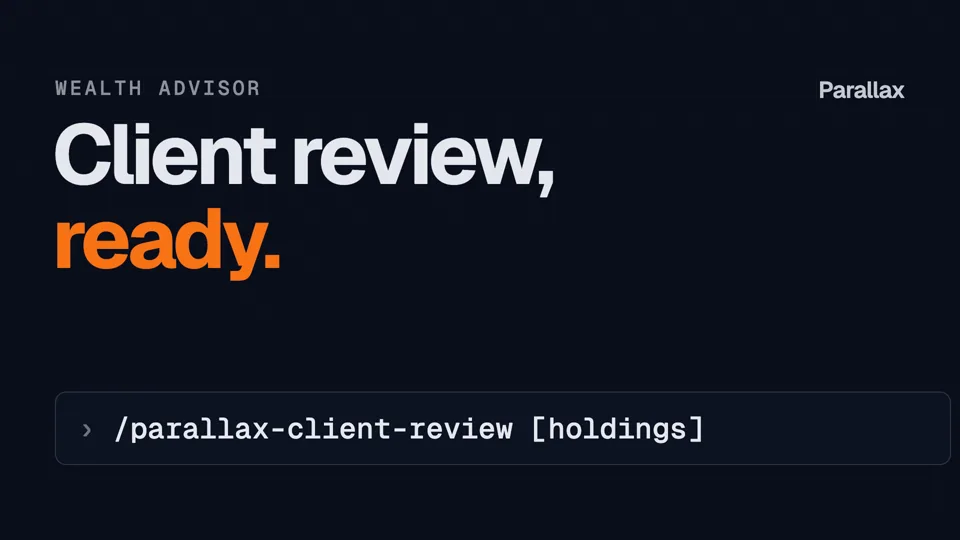
/parallax-client-review

Your AI runs the same steps every time and hands you a client review to edit.

Claude Code and claude.ai · optional, needs MCP

Start with the connection. Add skills when you want the same finished work every time.

Step 1 · Required

Connect your AI

Pick where you work. Claude and ChatGPT sign in with your Parallax account. Every other app uses an API key.

Chat apps

5 apps

Talk to Parallax in a chat window.

IDEs

4 apps

Research next to your code and notebooks.

Terminal agents

6 apps

Terminal agents that run multi-step workflows.

Not yet:Gemini webIt needs OAuth support we have not added. Use Gemini CLI instead.

Claude
Parallax
Chat appsWeb, desktop, and mobile
  1. Go to Customize → Connectors in Claude
  2. Click + Add, then Add custom connector
  3. Name: Parallax
  4. URL: https://mcp.chicago.global/api/mcp
  5. Click Continue. Under OAuth client, pick Register automatically
  6. Click Add, then sign in with your Parallax account
Claude's "Recommended" OAuth option does not work with Parallax yet. Pick Register automatically.
Add it once. It works in Claude on the web, desktop, and mobile.
Team or Enterprise plan? An owner adds it first under Organization settings → Connectors.

Step 2 · Optional

Add skills to give your AI the playbook

The connection gives your AI the tools. Skills teach it how to use them, so one command returns a finished piece of work. Skills run in Claude Code and claude.ai.

Using Cursor, Codex, or another app? The connection above is all you need. Ask in your own words.

  1. Install the skills

    Inside Claude Code, run:

    Claude Code
    /plugin marketplace add bencharoenwong/parallax-workflows
    /plugin install parallax@parallax-workflows

    Brings the general-release set. Commands work as shown, or with the plugin prefix: /parallax:parallax-should-i-buy. Update later with /plugin marketplace update parallax-workflows.

  2. Say hello

    Not sure where to start? Type this and Parallax opens a menu: Stock, Portfolio, Discovery, or Investor profiles.

    Hi Parallax

    Or run one directly:

    try it
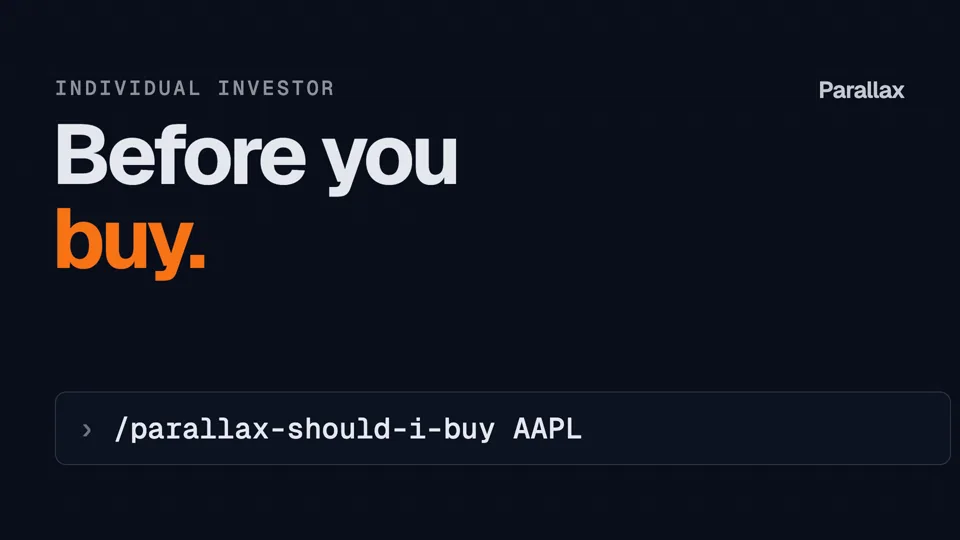
    /parallax-should-i-buy AAPL

    In claude.ai, ask in words instead, for example: "Should I buy Apple?"

    Seeing "tool not found"? The connection above is not set up yet.

Give your AI agent a PhD in Finance.

A good analyst shows their work. With Parallax, your AI does too.

Traceability

Every figure traces to a named tool call

When your agent cites a Parallax score, the transcript shows which tool produced it and what inputs it sent. Anyone reviewing the work can see where each number came from.

Available now in every connected app

House-view audit log

The house-view skills also keep a tamper-evident log. Each entry carries a fingerprint of the one before it, so a changed past entry is detectable.

  1. 1Saved the house viewFirst entry in the log
  2. 2Used it in a client reviewLinked to entry 1
  3. 3Changed a sector tilt, old value keptLinked to entry 2
House-view skills · Claude Code and claude.ai · write-up in progress
Consistency

Same method, every security

Every score comes from one documented method, and each period's scores are stored so you can look back at earlier results. Skills run the same tool steps each time. Your AI still writes the wording; the numbers and the report structure stay the same between runs.

Architecture in the SSRN paper
Open-source skills

Free skills, tested before each release

The skills are free and MIT-licensed; Parallax itself is a paid service. Each skill ships with test cases and a changelog, so a change that would break a report is caught before it is released.

MIT license, available now
Token use

Short results, not pages of search text

Parallax returns a compact computed result, so your agent has less to read than it would searching the web. Each tool call uses Parallax credits. We are benchmarking the total cost, tokens plus credits, against web search alone.

Benchmark in progress

See it run

One command, one finished piece of work. Each video runs a free Parallax skill in Claude Code. Type the same command to run it yourself.

Individual investor

Should I buy this stock?

/parallax-should-i-buy AAPL

Pick one for your role

Each command runs one skill in Claude Code or claude.ai. Start with one and see what comes back.

Individual investor

  • /parallax-should-i-buy AAPLBuy, hold, or wait on one stock
  • /parallax-portfolio-checkupHealth check on your holdings

Wealth advisor

  • /parallax-client-reviewClient review prep from holdings
  • /parallax-rebalanceRebalancing options with reasons

Portfolio manager

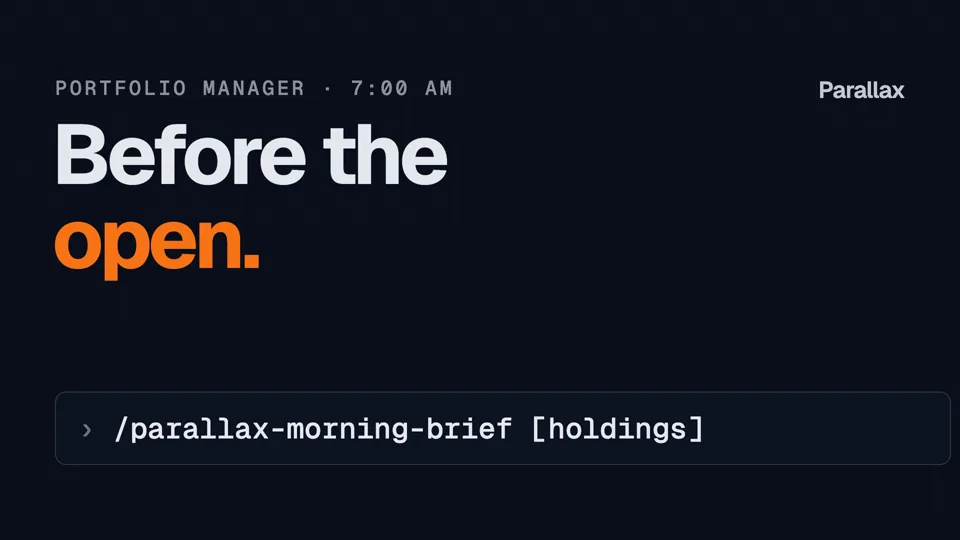
  • /parallax-morning-briefWhat moved before the open
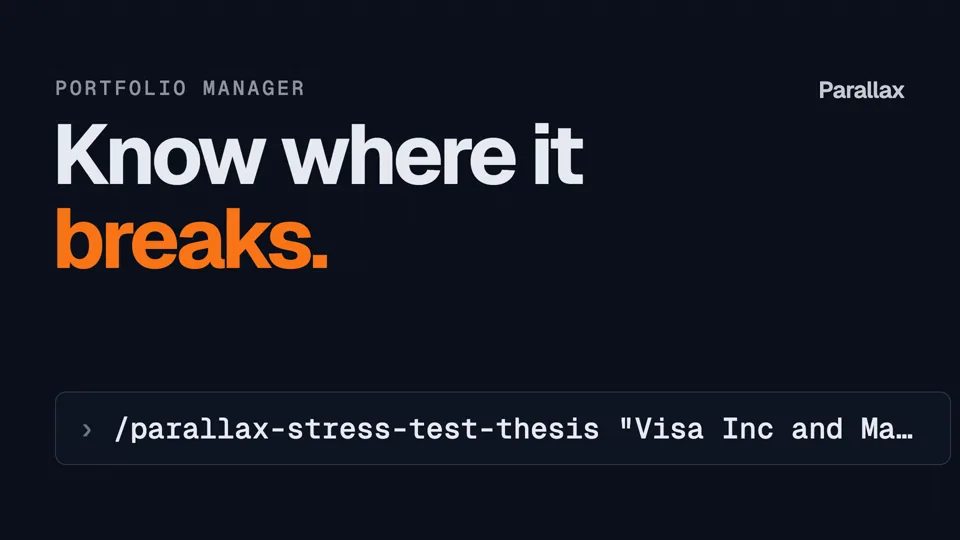
  • /parallax-stress-test-thesisWhere a thesis breaks · full install

Relationship manager

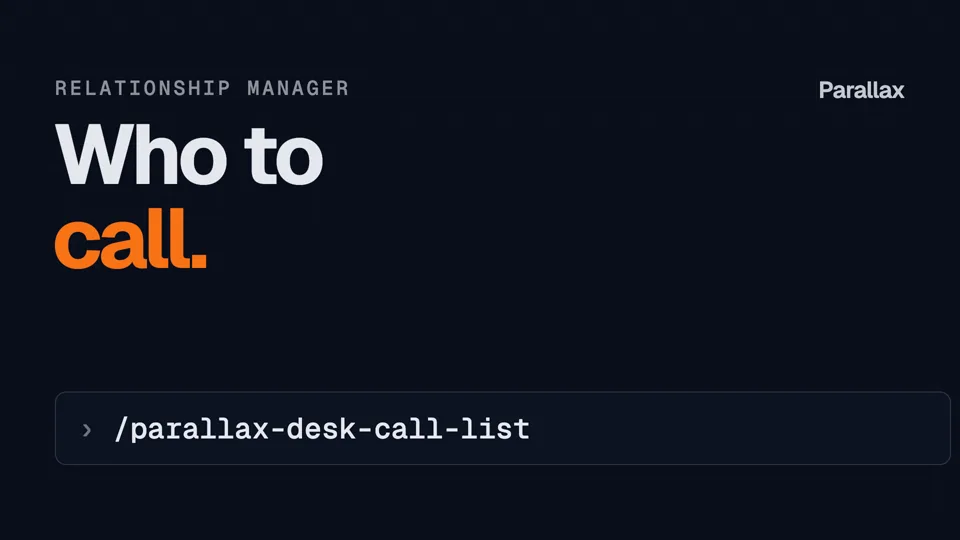
  • /parallax-desk-call-listWhich clients to call today

Research analyst

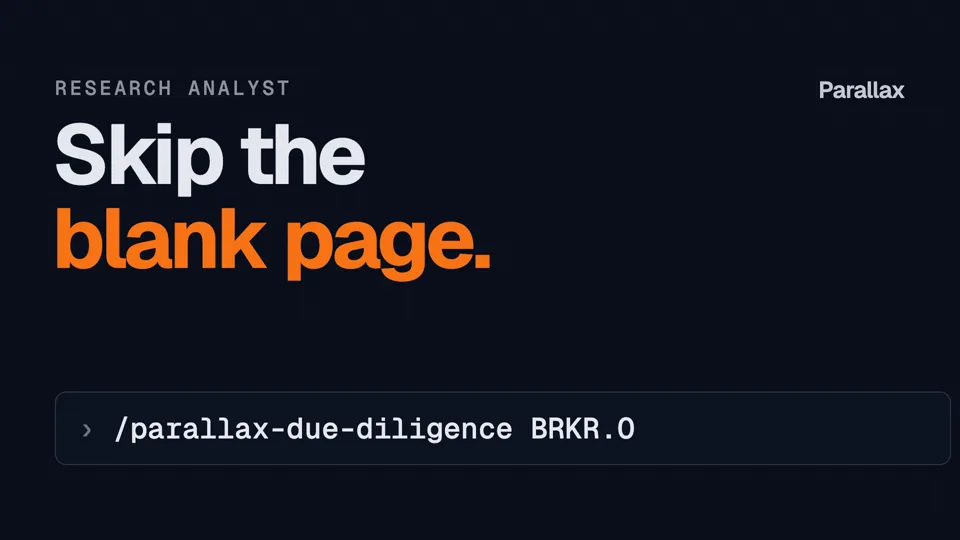
  • /parallax-due-diligenceDue diligence first draft
  • /parallax-deep-diveFull single-stock analysis

Chief investment officer

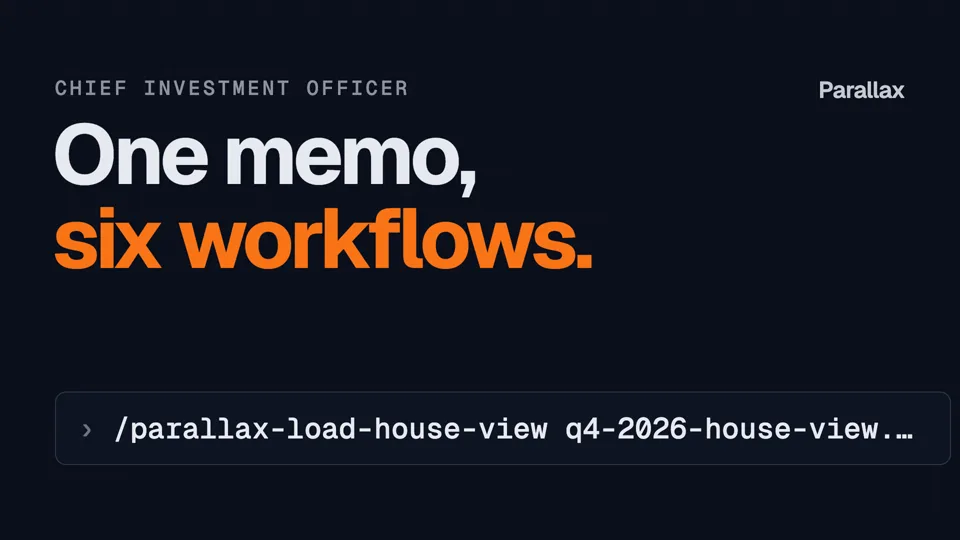
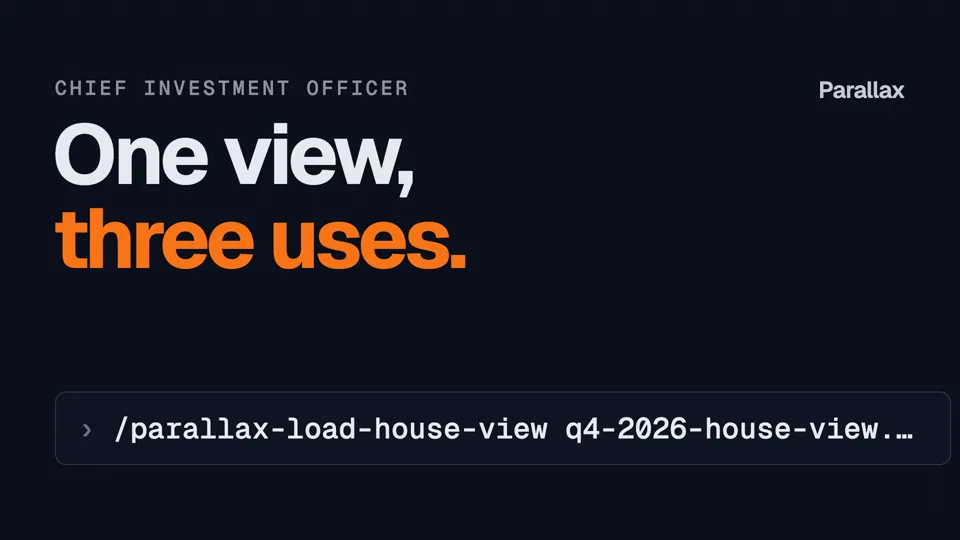
  • /parallax-load-house-viewSet the house view once · full install

Marked full install: not in the Claude Code plugin; use Full install in Step 2. Browse all skills on GitHub ↗

How it works

Your people and your AI stay where they are. Parallax answers the tool calls in the middle.

  1. AdvisorPicks the client and the house view
  2. Your AIClaude, Codex, and more+ optional skill
  3. Parallax
    1. MCPGives your AI 35 tools
    2. EngineScores with one documented method

      Comparing Microsoft against

      • Its own score history get_score_analysis
      • Local peers: same industry and market get_peer_snapshot
      • Global peers: same industry, worldwide get_peer_snapshot
      • News, with sources and as-of date get_news_synthesis
      • Macro regime for its market macro_analyst
    Every tool call shows in your transcript
  4. Your AIDrafts the review from the results
  5. AdvisorReviews, edits, and signs off
  6. ClientMeeting or report

Your AI, optionally following a Parallax skill, sends the request through MCP. Parallax compares a stock against its own score history, local peers, global peers, recent news with sources, and the macro regime for its market, then returns the results to your AI.

Architecture paper · SSRNLetting ML Predict and LLMs Narrate: A Hybrid Integration Architecture for Production Equity ResearchHow a validated scoring model carries the prediction, the LLM writes within it, and the MCP layer connects your agent to both.

Questions

Before you connect

Why use Parallax instead of asking Claude or Codex on their own?

Parallax gives an AI agent numbers it can trace and repeat. On their own, Claude and Codex draw figures from training data or web pages, and a rerun can change the answer. With Parallax, each figure comes from a named tool call that shows in the transcript, scored by one documented method, with stored history you can check later.

Do I need MCP, skills, or both?

You need the MCP connection. It gives your AI the Parallax tools, like a seat at the desk with a data terminal, and it is all you need to ask questions in your own words. Skills are optional. A skill is a written playbook your AI follows: which tools to call, in what order, and what the finished report looks like, such as a client review. Skills need the MCP connection, and today they run in Claude Code and claude.ai.

Which apps does Parallax work with?

Parallax works with 15 apps today: Claude, ChatGPT, Manus, Qwen Desktop and Meta Muse; Cursor, VS Code, Windsurf (now Devin Desktop) and Antigravity; and the terminal agents Claude Code, Codex CLI, Gemini CLI, Qwen CLI, Grok Build and Muse Code. Any other client that supports remote MCP servers can connect with the server URL and an API key. Gemini on the web needs OAuth support we have not added yet.

Do I sign in or use an API key?

In Claude and ChatGPT, you add Parallax as a connector and sign in with your Parallax account, so you never handle a key. Every other app uses an API key, which you create on your Parallax API keys page and paste into the app's MCP settings (for Meta Muse, into its custom connector).

What does Parallax cost?

Each Parallax tool call uses credits from your Parallax plan, and every tool states its cost in its description, so your agent sees the price before it calls. Explaining the scoring method costs nothing. The workflow skills are free and open source. Plans are listed on the Parallax pricing page.

Can my firm roll Parallax out to a team?

Yes. On a Claude Team or Enterprise plan, an owner adds Parallax once under Organization settings, Connectors, and each member then clicks Connect and signs in with their own Parallax account. In a ChatGPT Business or Enterprise workspace, an admin may need to approve the connector first. For coding tools, each person uses their own API key.

Data and trust

Does Parallax see my chat history?

No. Your AI agent sends Parallax only the tool call and its inputs, such as tickers or portfolio weights. The rest of the conversation never reaches Parallax.

How does Parallax handle the data my agent sends?

Parallax encrypts data in transit (TLS 1.2 or higher) and at rest (AES-256). Access is role-based and audit-logged. Client data is not used to train AI models.

Where does Parallax data come from, and how current is it?

Parallax scores 70,000+ securities across 48 markets from price and fundamental history reaching back more than three decades, and its pipeline processes about 1 billion data points a week. News briefs list their sources and an as-of date where available.

Is there a technical paper on how Parallax works?

Yes. The paper Letting ML Predict and LLMs Narrate, on SSRN, describes the Parallax architecture: a separately validated scoring model carries the prediction, the language model writes within the constraint of that prediction, and an agentic layer over the Model Context Protocol connects both to your agent. Read it on SSRN.

Can compliance audit what the agent did?

Yes. Every Parallax tool call and its inputs appear in your agent's transcript. The house-view workflows also keep a hash-linked audit log of every save and use, so an edit to history breaks the chain, and one command exports the view, its provenance and the full log.

Troubleshooting

Claude's sign-in fails, or no Parallax tools appear. What do I do?

When adding Parallax in Claude, choose Register automatically under OAuth client; Claude's Recommended option does not work with Parallax yet. In other apps, restart the app after saving the config, and check the key name: VS Code uses servers, while Antigravity uses serverUrl. A working MCP connection shows 35 Parallax tools (Meta Muse uses the REST API instead).

How do I disconnect Parallax?

Remove the Parallax connector or MCP entry in your app's settings, then delete the API key on your Parallax API keys page. For the coding tools set up by the install command, run curl -fsSL https://mcp.chicago.global/uninstall.sh | bash (Mac or Linux) to remove Parallax from all of them at once.